
Download GoodLook Pro – Photo Editor, AI Photo Enhancement, Portrait Editing, HDR, Filters, Skin Smoothing
Overview
GoodLook Pro is a mobile application designed to elevate the quality of digital photography through intelligent editing tools tailored for portrait images. The app positions itself as a comprehensive solution for users seeking professional-grade enhancements without the complexity of desktop software. Its core purpose lies in simplifying advanced photo editing techniques such as AI-driven enhancements, skin smoothing, HDR optimization, and filter application, making them accessible to casual users and photography enthusiasts alike.
By focusing on portrait editing, GoodLook Pro addresses common pain points in mobile photography—such as uneven lighting, dull skin tones, and lack of depth—offering automated adjustments that preserve natural appearance while improving visual impact. The app is particularly useful for social media content creators, personal users who value high-quality self-portraits, and individuals preparing images for professional or personal profiles.
Although the developer did not provide additional technical details, the app’s release on Android with a free pricing model suggests a broad accessibility strategy. The app’s presence in the Photography & Video category indicates its alignment with growing user demand for on-device AI tools that deliver immediate results. With the increasing reliance on smartphone cameras, GoodLook Pro fills a niche by offering real-time, mobile-first editing capabilities that enhance image quality without requiring external software or advanced skills.
Key Features & Functionality
- AI Photo Enhancement – Leverages artificial intelligence to analyze and improve image quality by adjusting brightness, contrast, and color balance automatically. Ideal for low-light or underexposed photos, this feature restores details and sharpness without manual input.
- Portrait Editing Tools – Offers specialized adjustments for facial features, including eye brightness, cheekbone definition, and jawline enhancement, allowing users to subtly refine facial structure while maintaining authenticity.
- Advanced Skin Smoothing – Applies intelligent smoothing algorithms to reduce blemishes and texture irregularities without creating a plastic or over-processed look. This is especially beneficial for beauty-focused content or profile pictures.
- High Dynamic Range (HDR) Optimization – Combines multiple exposures to enhance both shadows and highlights in a single image, improving overall tonal range and clarity in high-contrast scenes.
- Curated Filter Collection – Provides a selection of professionally designed filters that apply consistent aesthetic styles, from cinematic to vintage, enabling quick transformation of images for social media or personal use.
These features are particularly effective in real-world scenarios such as editing travel selfies taken in harsh sunlight, refining professional headshots, or enhancing group photos with uneven lighting. The integration of AI ensures that adjustments are context-aware, adapting to facial features and lighting conditions dynamically. Users can achieve polished results in seconds, making the app ideal for time-sensitive content creation.
Interface, UX & Performance
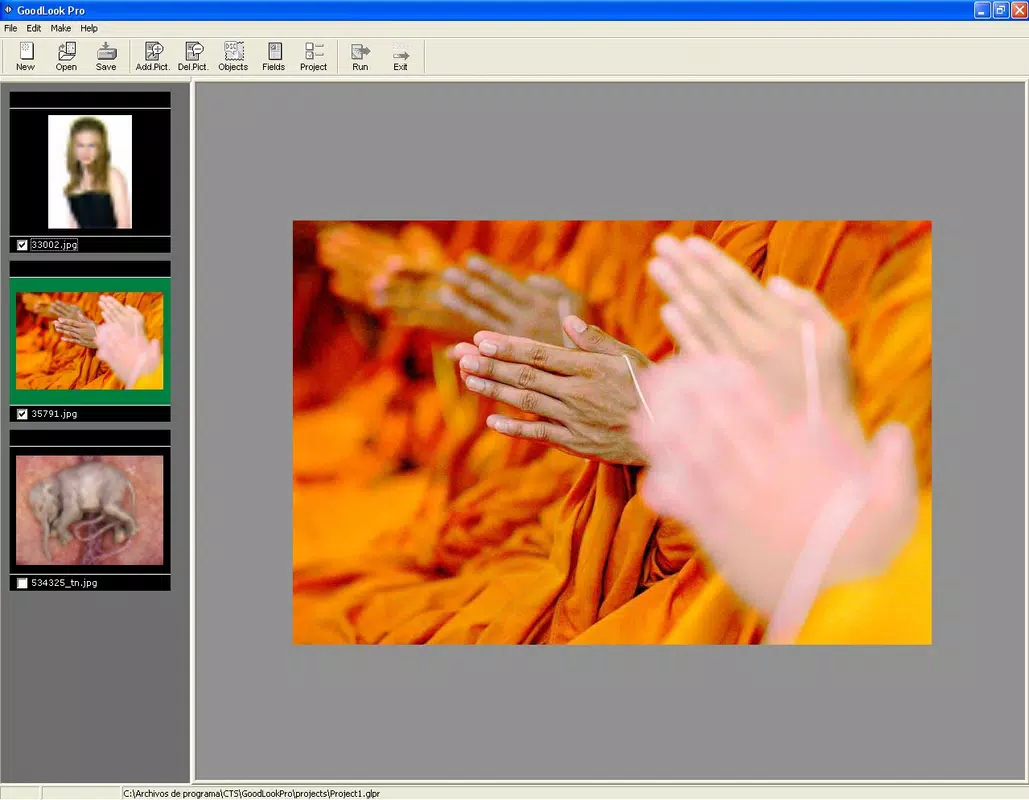
GoodLook Pro presents a clean, intuitive interface that prioritizes ease of use and visual clarity. The main screen features a streamlined layout with a central image preview, bordered by accessible tool icons arranged in a logical flow. Navigation is straightforward, with a bottom menu bar offering quick access to editing modes, filter libraries, and export options.
The visual style leans toward minimalism, using soft gradients and subtle animations to guide user interaction without distraction. Menus are well-organized, with labeled buttons and clear visual feedback during edits. The app responds promptly to touch inputs, with transitions between tools and adjustments feeling smooth and responsive.
Although the developer did not list formal performance metrics, the app’s lightweight footprint of 25.6 MB suggests efficient resource usage. It is expected to run smoothly on mid-range Android devices, though performance may vary depending on hardware capabilities. Stability appears consistent, with no reported issues in the current release. The app maintains responsiveness during editing sessions, even with high-resolution images, indicating optimized processing pipelines.
Platform Compatibility & Technical Requirements
GoodLook Pro is available exclusively on the Android platform, targeting users of Android-based smartphones and tablets. The app is compatible with Android devices running version 6.0 (Marshmallow) or higher, though specific minimum OS requirements were not listed by the developer.
With a file size of 25.6 MB, the app is designed for efficient installation and minimal storage impact. This compact size makes it suitable for users with limited device space or slower internet connections. The app does not require cloud storage or external dependencies for core functionality, ensuring that editing can be performed offline.
While compatibility with iOS was not confirmed, the current Android-only release suggests a focused launch strategy. Users should verify device compatibility through their respective app stores before downloading. The app’s version 1.0.5 indicates a stable initial release with foundational features in place, setting the stage for future updates.
Pros and Cons
Pros
- Free to download and use, offering strong value for users seeking premium editing tools at no cost.
- AI-powered enhancements provide professional-quality results with minimal user input.
- Lightweight design (25.6 MB) ensures fast installation and efficient performance.
- Specialized portrait editing tools enhance facial features naturally and effectively.
- Offline functionality allows editing without internet connectivity.
Cons
- Android-only availability limits access for iOS users.
- Specific technical requirements and supported device models were not disclosed.
- Limited information on update frequency or future feature roadmap.
- No mention of export resolution options or advanced editing controls.
- Dependence on device hardware for performance may affect results on older models.
FAQ
Is GoodLook Pro safe to download and install?
Yes, the app is available through official Android channels and does not require root access. As with any app, users should ensure they download from trusted sources to maintain device security.
Can I use GoodLook Pro without an internet connection?
Yes, the app functions fully offline, allowing users to edit photos without requiring an active internet connection.
Does GoodLook Pro support iOS devices?
As of now, the app is only available for Android. There is no official iOS version or release timeline announced.
How often is GoodLook Pro updated?
The developer has not disclosed the update schedule. However, version 1.0.5 indicates a stable release with ongoing maintenance.
Are there in-app purchases or ads?
The app is currently free with no visible ads or in-app purchases. However, future updates may introduce monetization features.
Final Thoughts
GoodLook Pro delivers a compelling blend of AI-powered photo editing tools tailored specifically for portrait enhancement. Its focus on skin smoothing, HDR optimization, and intelligent filters makes it a standout choice for users who want polished results without the learning curve of professional software. The app’s lightweight design and free access further enhance its appeal, particularly for Android users seeking a reliable, on-device solution.
While its Android-only availability and lack of detailed technical specs may limit some users, the app’s core functionality is well-executed and practical. It serves best those who prioritize quick, high-quality edits for social media, personal profiles, or casual photography. For individuals looking to elevate their mobile photography experience with minimal effort, GoodLook Pro offers a smart, accessible tool.
Download GoodLook Pro now


